
Elementor V4 is the biggest update in the platform’s history. Officially called the “Atomic Editor,” it’s a complete rebuild of how the editor works. And it’s currently in beta, with a full release expected soon.
If you’re using Elementor (or thinking about it), you’re probably wondering what this means for you. Do you need to change anything? Will your existing sites break? Is this actually better?
I’ll be honest – I’ve been anti-Elementor for years. I custom-code themes at my agency and always thought page builders were a compromise. Bloated code, limited control, fighting against the tool instead of working with it. But the demand from my students pushed me to learn it properly, and I’m releasing an Elementor course right now.
Elementor V4 has actually impressed me. And I don’t say that lightly. Here’s my take on what it means and what you should do about it.
What Is Elementor V4?
The short version: Elementor v4 has rebuilt its editor from the ground up.
The old way (V3):
You drag pre-built widgets onto your page – a button widget, a heading widget, an image widget. Each one comes with its own settings panel and styling options. They work, but they generate a lot of HTML code behind the scenes (nested divs everywhere). And while V3 has global settings for things like button colours, they’re limited and the Site Settings panel has been buggy for years.
The new way (V4):
Instead of widgets, Elementor V4 uses “atomic elements” – smaller, composable building blocks. Think of it like this:
- V3 is a ready meal. You get a pre-packaged button with set options.
- V4 is ingredients. You build a button from a container, text, and a link. You style each piece independently.
This gives you more control and produces cleaner, faster code.
The approach isn’t new – it comes from the coding world. But it wasn’t available in Elementor until now. And for someone like me who’s spent years custom-coding sites, this is why Elementor V4 finally makes sense.
Will My Existing Sites Break?
No. This is the most important bit.
Elementor has confirmed:
- V3 and V4 coexist. Your existing pages, widgets, and designs continue working exactly as they are.
- V4 is opt-in. You activate it manually in Elementor > Settings > Version 4 tab. It won’t switch itself on.
- You can mix V3 and V4 on the same page. So you can experiment with V4 on new sections without touching anything that already works.
- Existing sites won’t be automatically migrated. V4 is the default for new sites only.
If you do nothing, nothing changes. Your sites are fine.
Elementor V4 Features: What’s Actually Better
1. Cleaner Code = Faster Sites
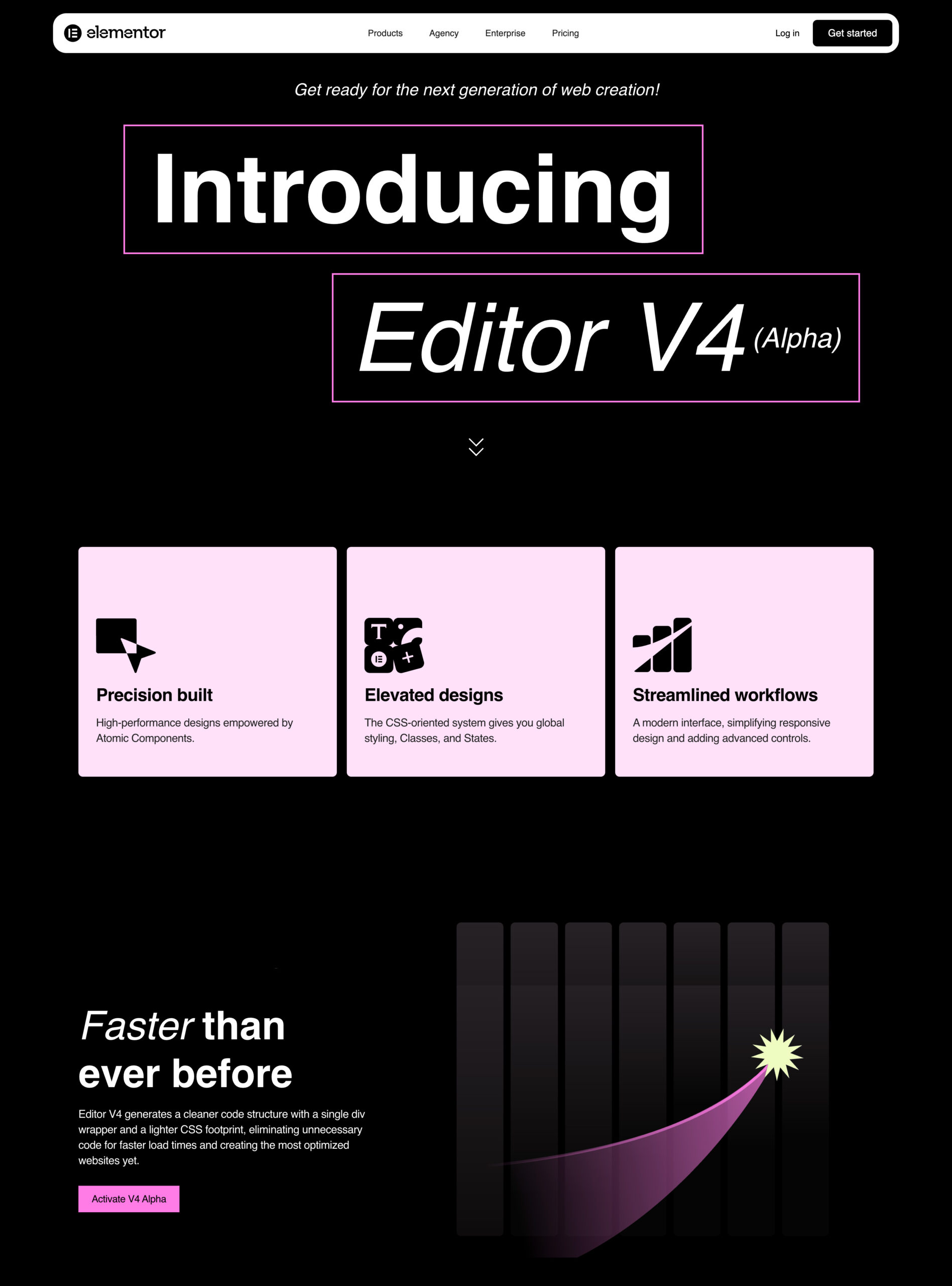
V4 produces HTML with single-div wrappers instead of V3’s nested divs. Less code means faster loading. That matters for SEO (Core Web Vitals) and for your visitors’ experience.
Here’s the thing – this isn’t just an improvement. It’s an admission. Elementor is acknowledging what developers have been saying for years: the old code was bloated. And they’ve done something about it. For me, this was one of the main reasons I avoided page builders. They’ve addressed it.
2. The Classes System
This is the headline feature for anyone building more than one page.
In V4, you create a class called “primary-button”. Define the colour, font, padding once. Apply it to every button on your site. Want to change from blue to green? Update the class. Every button updates instantly.
If you’ve ever written CSS properly, this is how it should have always worked in a visual builder. This is exactly why I always preferred coding sites myself – I had this control. Now Elementor users have it too, without writing code.
If you haven’t used CSS before, this is a game-changer you’ll appreciate once you try it.
3. Variables
Single global values for colours, fonts, and spacing. In Elementor V4, these are managed right in the editor in a new popup – no more reloading, no more digging through Site Settings. If you’ve used Figma, this will feel familiar.
4. Components
This is huge and often undersold.
You know how you build a section – maybe a testimonial card, a pricing table, or a call-to-action block – and then you want to reuse it on other pages? In V3, you’d copy/paste or use templates. In Elementor V4, you create a Component.
Build it once. Save it. Decide which parts are editable (like the text) and which are locked (like the styling). Then drop it anywhere on your site. Change the master component, every instance updates.
This is how developers think – build reusable pieces, don’t repeat yourself. V4 brings this to Elementor visually.
5. Better Hover and State Controls
In V3, hover options were limited depending on the widget. In V4, you get full control over hover, active, and focus states for everything. This opens up proper micro-interactions and better accessibility.
Should You Switch to Elementor V4?
Remember: Elementor V4 is still in beta. Full release is expected soon, but it’s not fully stable yet.
If you’re building a brand new site: Yes, try V4. You’ll benefit from cleaner code from day one and you’ll learn the new way of working without bad habits from V3.
If you’ve got existing client sites: Don’t rush. Let V4 stabilise. Test on a staging site first. There’s no deadline to migrate and no reason to touch working sites.
If you’re learning Elementor for the first time: Start with V3 fundamentals. The core concepts (containers, sections, styling) still apply. V4 changes how you do things, not what you do. Understanding V3 first will make V4 make more sense.
If you’re an agency owner: Keep V3 on production client sites for now. Use V4 for new projects. Plan a gradual migration when V4 is fully stable and your team is comfortable with it.
Elementor V4 Review: My Honest Take
I came into this expecting to be underwhelmed. I’ve spent years custom-coding themes and looking down on page builders. But learning Elementor properly for my course has changed my perspective, and V4 has genuinely impressed me.
The Classes system is how CSS should have always worked in a visual builder. The Components feature brings developer thinking to a visual tool. And the cleaner code output addresses one of my biggest criticisms of page builders – they finally acknowledged the problem and fixed it.
Is it perfect? No. There’s still a learning curve, especially if you’re used to V3. But for the first time, I can see why people choose Elementor – and V4 makes that choice easier to defend.
Elementor V4 vs V3: Quick Summary
| Question | Answer |
|---|---|
| Is V4 fully released? | No – still in beta, full release expected soon |
| Will my existing sites break? | No |
| Do I need to do anything right now? | No |
| Is V4 better? | Yes – cleaner code, Classes, Components, more control |
| Should I switch immediately? | New sites: yes. Existing sites: wait for stability |
| Is V3 going away? | No – it coexists with V4 |
Learn Elementor Properly
If you’re past the beginner stage and want to actually understand Elementor – not just click around and hope for the best – I’m building an Elementor course inside WP Odyssey.
I cover V3 fundamentals first (because you need to understand the concepts), then V4’s new features and workflow. Plus live calls, community support, and a structured path rather than random YouTube tutorials.
You can try the WP Odyssey free for 7 days – no commitment, cancel anytime, join here while the 7 day free trial lasts