A lot of Elementor for beginners content teaches you which buttons to press, but not how to build pages that are clean, consistent and easy to manage later.
One of the most common points people hit when they are learning WordPress is this:
You understand the basics, but your websites still don’t look the way you want them to look. You want something more professional, more polished.
You can create pages. You can add posts. You know what themes and plugins are. You have probably built a few website that technically work.
But then you look at other sites and think:
How do I make mine feel better?
That is usually where page builders enter the conversation.
For the next few months, I am opening up Quest 03 from my WordPress MasterQuest, the full ‘Build Better Websites with Elementor course, to the free WP Odyssey community for a limited time.
Table of Contents
Why Elementor Makes More Sense After You Learn WordPress First
I don’t think Elementor should be the first thing you learn.
That might sound odd to some of you, but it’s how I teach WordPress inside WP Odyssey.
Before you get into page builders, you should understand:
- what pages and posts are for
- how themes control the structure of a site
- what plugins do
- how menus, headers and footers work
- how WordPress organises content
- why performance, security and maintenance matter
If you skip all of that and jump straight into a page builder, you can still make something that looks nice. But you will probably struggle the moment something breaks, slows down, or needs to work like a proper website rather than a pretty layout.
Elementor is much more useful when you understand the website underneath it.
That is the whole WP Odyssey approach:
Learn the right way first. Then use tools that help you move faster.
Elementor for Beginners: What Is It Good For
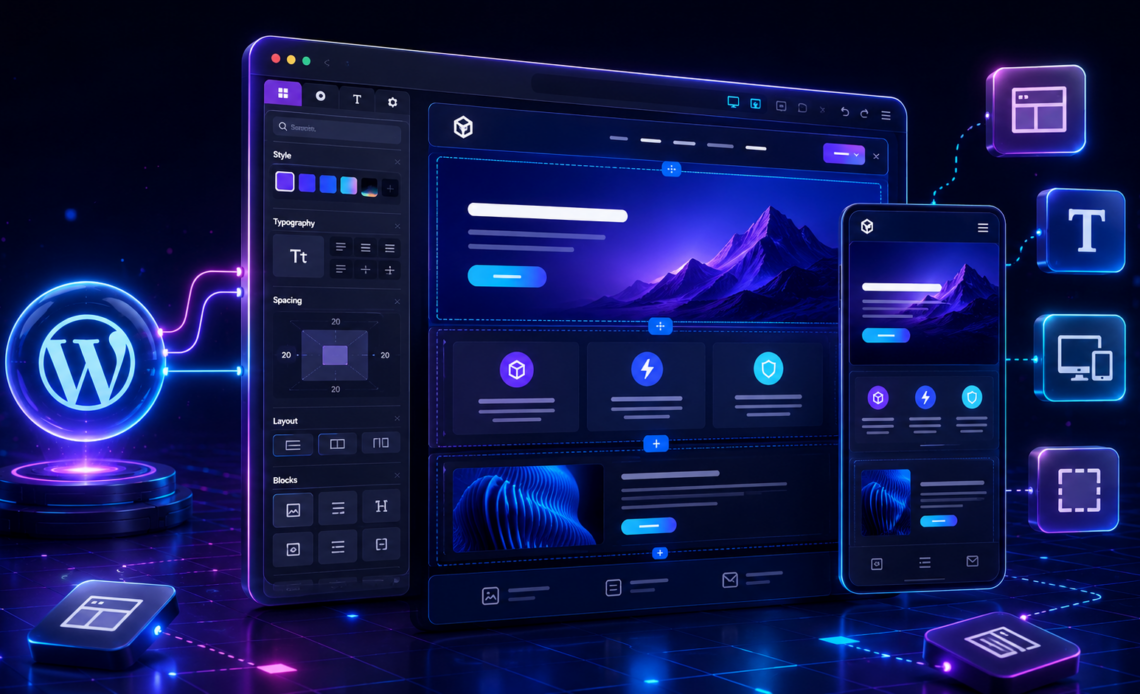
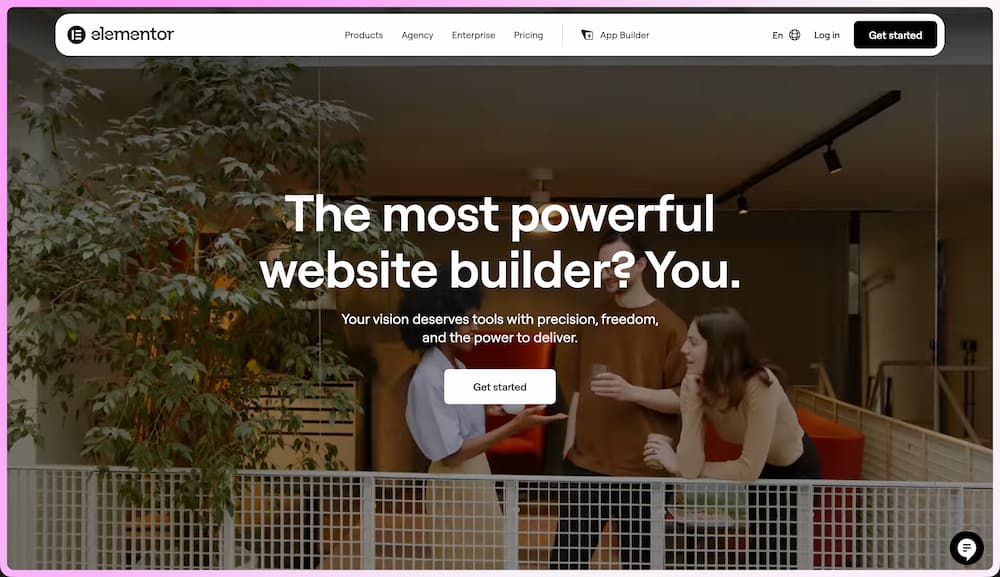
Elementor is a visual page builder for WordPress. Instead of building every layout with code, you can design pages using sections, containers, widgets, styles and templates.
Used well, Elementor can help you:
- build more polished layouts without custom coding every section
- create reusable templates and sections
- design responsive pages for desktop, tablet and mobile
- build headers, footers and page templates with Elementor Pro
- connect designs to dynamic WordPress content
- move faster when building client websites
That last point is normally one that gets most peoples attention.
When you are building websites for real people, speed matters. Not page speed this time, but build speed.
Clients don’t usually care whether a section was hand-coded, built in blocks or designed in Elementor. They care whether the site looks professional, works properly, loads quickly enough, is easy to update, and helps their business.
Elementor can be a very useful tool for that, as long as you are not using it as a substitute for understanding WordPress.
The Problem With Learning Elementor Randomly
The mistake I see beginners make is learning Elementor by clicking around.
They watch a tutorial here, download a template kit there, copy a section from somewhere else, and slowly build up a website that has no real system behind it.
That is how you end up with:
- inconsistent spacing
- random font sizes
- different button styles on every page
- layouts that look fine on desktop but break on mobile
- templates that cannot be reused
- pages that are hard to maintain later (for you and for your clients)
The site might look OK at first glance, but it’s fragile. That’s what most Elementor for beginners tutorials miss: the tool is easy to open, but the structure behind the page is what makes the site easier to manage later.
And if you’re looking to get in to building websites for clients, fragile will be a problem.
A better Elementor workflow starts with structure:
- Plan the page before opening the builder.
- Set global colours and typography.
- Use containers properly.
- Keep spacing consistent.
- Build sections that can be reused.
- Check mobile as you go, not at the end.
- Understand when something should be dynamic rather than manually typed into one page.
That is the difference between using Elementor as a design toy and using it as a proper WordPress build tool.
Where Elementor Fits Inside WP Odyssey
Inside WP Odyssey, Elementor sits after the WordPress foundations and building your first WordPress website (using the block editor).
The beginner lessons are there to help you understand the basics:
- how WordPress works
- how to set up a site
- how pages and posts fit together
- how themes and plugins affect the site
- how to build your first proper website
Quest 03 is the next layer.
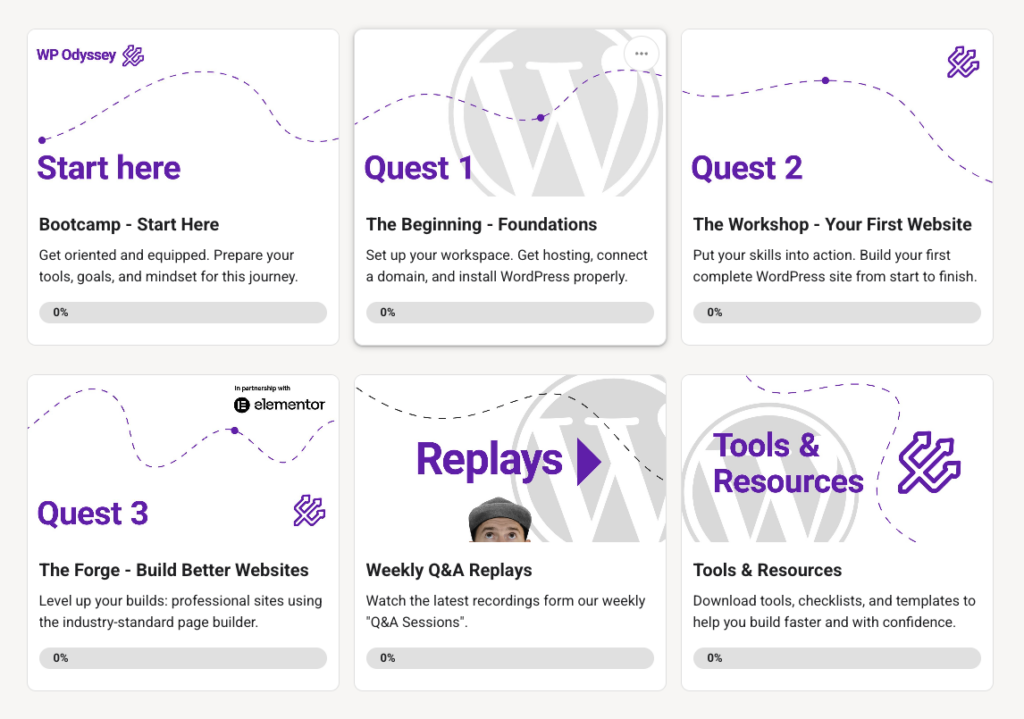
It is the point where we move from “I understand the basics of WordPress” to “I can start building better, more professional websites.”
Inside Quest 03, we cover things like:
- why and when to use Elementor
- how the Elementor interface works
- containers, page structure and core widgets
- typography, colours, spacing and global styles
- responsive design fundamentals
- headers, footers and templates
- blog templates and dynamic content basics
- popups, custom CSS and performance considerations
- planning, wireframing and building a complete homepage
It is not about pretending Elementor solves everything.
It is about learning where it fits.
What About Elementor v4?
As I write this article, Elementor is also changing.
Elementor 4 moves further towards a more system-based, CSS-first way of building. That means classes, cleaner output, components and a different workflow for new builds.
For beginners, that can be confusing because there are now two things happening at once:
- existing Elementor 3 sites are still everywhere
- new Elementor 4 workflows are becoming more important
If you inherit client sites, you will probably still see Elementor 3 for a long time, you’ll know as you will not see any Atomic elements.
If you are starting fresh, you need to understand where Elementor is going.
That is why I have added an Elementor v3/v4 orientation lesson to Quest 03 as well. The practical goal is simple: help you understand the current Elementor landscape without getting paralysed by every product change.
The fundamentals still matter either way as they are not changing.
Containers, spacing, responsive design, reusable sections, global styles and clean structure are not suddenly irrelevant because the editor changes. They become more important.
So if you’re looking for a simple, easy to follow Elementor for beginners guide, don’t just learn the interface. Learn the workflow behind it as we do inside WP Odyssey Free.
Quest 03 Is Open For A Limited Time Now
We are now in Elementor are now supporting WP Odyssey for the next few months, I am opening up Quest 03 to the free WP Odyssey community for a limited time.
Quick heads-up before we go any further: this post is part of the Elementor partnership and includes Elementor affiliate links. The training and opinions are still my own. I am not interested in teaching people to throw random templates together and hope for the best. The point is to use Elementor properly, as part of a wider WordPress skillset.
That means if you have been working through the beginner WordPress lessons and wondering what to do next, you can now jump into the Elementor course.
Start Quest 03 here: free.wpodyssey.com
Elementor have also given WP Odyssey students 5% off any Elementor One subscription if you decide to use it for your own sites.
Use code: dandavies5one
You do not need to rush into buying anything if you are still learning the basics. Get the foundations in place first.
But if you are ready to build more polished WordPress pages, Quest 03 is the natural next step.
The Bigger Lesson
This is not really about one plugin.
The bigger lesson is that tools work best when they sit inside a system.
That is true for Elementor. It is true for WP Rocket. It is true for Rank Math. It is true for AI tools, automations and everything else people are excited about right now.
If you do not understand the underlying job, the tool can make you faster at making a mess.
If you do understand the underlying job, the right tool can help you move faster, produce better work and build websites that are easier to maintain.
That is the point of WP Odyssey.
Foundations first.
Then better tools.
Then better builds.
If you are ready for that next step, Quest 03 is open now for a limited time.